
TL;DR
- Data Loss Prevention (DLP) helps protect information from leaks, misuse, and cyberattacks.
- DLP tools can identify, monitor, and block potential risks before they cause harm.
- Common causes of data loss include human error, insider threats, and external cyberattacks.
- Core types of DLP include endpoint, network, and cloud solutions; strong organizations often use a combination of these.
- Small and medium businesses should choose a DLP tool that is simple, automated, and easy to deploy.
Data Loss Prevention: Overview
Data breaches are no longer a distant “if”; today, they are more a matter of “when.” With businesses increasingly reliant on digital operations, the risk of sensitive information being exposed, whether through accidental mis-sharing, insider negligence, or targeted cyberattacks, is higher than ever.
In 2025, the average cost of a data breach in the United States reached an all-time high of $10.22 million. While such financial hits can disrupt even well-resourced companies, the impact goes far beyond money: lost data can damage reputation, erode customer trust, and harm long-term business relationships. After all, losing data often means losing customers.
This is precisely where data loss prevention (DLP) becomes essential. In this blog, we will explore everything about DLP and explain why it is now a critical component of every business operation.
What Is Data Loss Prevention?
Data loss prevention is a safeguard and a security approach that helps to keep your sensitive and confidential data safe. Not only does it protect, but it also identifies and monitors risks consistently so that team members are warned before any threats occur.
DLP provides businesses with complete control where critical information can be safely guarded by tracking the activities, such as who accessed the information and how it is being accessed in the organization.
Three core functions of data loss prevention are:
- Identify sensitive data: DLP tools scan devices and applications to locate and classify sensitive information. Once this data is identified, the organization gains a clear understanding of what needs protection and can apply the right safeguards accordingly.
- Monitor data movement: DLP protects sensitive information by continuously monitoring how data travels across endpoints, networks, and cloud applications. It tracks activities such as copying, downloading, emailing, or transferring files. This visibility helps prevent unauthorized actions and identifies risky behavior at an early stage, reducing the chances of a security incident.
- Protect data through policies: DLP takes real-time action when policies are violated. It blocks the system and alerts the data loss prevention security team, ultimately preventing unauthorized sharing and other accidental leaks.
Also Read: What are the Different Types Of Cyber Security?
Why Data Loss Happens: Common Causes

Several predictable reasons for data loss show how easy it has become for sensitive information to slip out of the business. Our experts at Imagine IT have listed down a few common causes for you to know beforehand:
- Human error: Human errors have led to multiple data loss incidents, including employees sharing files with the wrong recipient, sending emails to the wrong address, misplacing devices containing all data, and so on. According to a 2024 report, 95% of data breaches last year involved human error.
- Insider threats: There are employees in the team who can deliberately misuse the data and other sensitive information. Such negligence can lead to significant data loss and leaks.
- Cyberattacks: Phishing, ransomware, and data exfiltration break into the system to extract valuable information, targeting its weak spots.
- Weak access controls and outdated systems: One crucial aspect of any digital operation is strong passwords. Weak passwords, excessive user privileges, and unpatched software make it easier for users to access sensitive data in minutes.
- Third-party risks: When vendors, contractors, or other third parties have access to sensitive information, they may lack strong data loss prevention security, making the system vulnerable to a significant data loss incident.
Such issues call for data loss prevention. With DLP, there is a higher chance of having smooth and secure digital operations or catching risks and stopping them before incidents.
Types of Data Loss Prevention
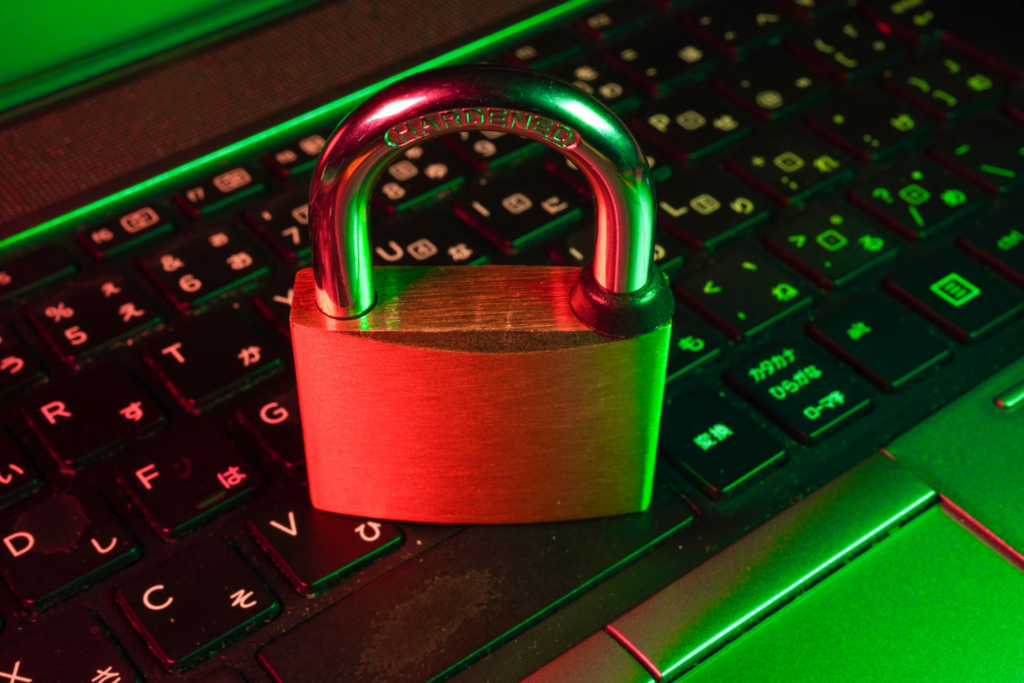
There are three main categories of data loss prevention, and each protects differently in different situations.
- Endpoint DLP: It protects devices such as laptops, mobiles, and desktops. It monitors and saves data from leakage from the endpoint. It will scan, track activities, and detect the unusual to prevent a major mishap.
- Network DLP: Network DLP, as the name suggests, will monitor data moving across the network. It will inspect traffic for incoming emails, file uploads, and file transfers. Network DLP will help to detect risky activity before crucial data leaves the organization.
- Cloud DLP: It is best for the SaaS and IaaS organizations that keep their data stored in a cloud environment. It can control access to sensitive information by an unknown member. This becomes essential because businesses rely heavily on cloud tools.
Most organizations use a combination of all DLP types because it helps in building a complete 360 protection strategy. This is a layered approach that ensures that sensitive data will stay secure across all devices, networks, and cloud services.
How Data Loss Prevention Solutions Work
Modern data loss prevention solutions help businesses maintain control over their sensitive data without disrupting daily operations. Here is how they work:
- Data discovery and classification: DLP scans endpoints, networks, and cloud systems to locate critical data, such as PII, financial records, customer information, and other sensitive files. It then identifies and classifies this data, so the system knows exactly what needs the highest level of protection.
- Policy creation: After data identification, security teams establish specific rules governing how data can be accessed, shared, or transferred. These policies are customized to the business’s unique needs and regulatory requirements.
- Monitoring and alerts: DLP continuously monitors data movement and provides real-time alerts. It notifies the security team immediately if potential risks or policy violations are detected.
- Automatic blocking or encryption: Before risky actions reach the team, DLP can automatically block unauthorized transfers, enforce encryption, and restrict access. This prevents both accidental leaks and intentional data breaches.
- Reporting for audits and compliance: DLP generates detailed logs and reports showing how sensitive data is accessed and protected. These reports support audits and help businesses comply with regulations such as GDPR, HIPAA, and PCI-DSS.
In short, data loss prevention tools identify sensitive data, enforce policies, and prevent unsafe activity in real time, creating a secure environment for information across the organization.
Choosing the Right Data Loss Prevention Tools
Selecting the right DLP tool can be challenging, as many founders and business owners are uncertain about which solution best fits their needs.
A good DLP tool will:
- Secure sensitive information effectively
- Provide real-time alerts to the team
- Integrate seamlessly with daily business operations
Choosing the wrong tool can create more complexity, leave threats undetected, and introduce critical gaps in data security.
Here are a few criteria to consider when selecting the right DLP tool:
- Identify the data that needs protection: Start by determining which data your business relies on most, such as PII, financial information, customer credentials, intellectual property, and regulated data. A clear understanding of these assets allows the DLP tool to classify and prioritize protection effectively.
- Check compatibility: Ensure the DLP tool integrates with your identity provider, email system, cloud platforms, and endpoint agents. Modern data volumes cannot be managed manually, so the tool must automatically block risky activities before the team needs to intervene.
- Assess usability and scalability: Beyond technical capabilities, the tool should be user-friendly, easy to set up, and managed via a single intuitive dashboard. Transparent pricing and scalability to accommodate growing data volumes are also critical factors.
A note for SMBs:
- Prioritize solutions that balance strong protection with simplicity
- Focus on tools with high automation, broad coverage, and fast deployment
- Avoid overly complex platforms that require extensive management
- Select solutions with clear and transparent pricing plans
- Ensure integration with existing operational systems
Also Read: 10 Best Data Security Solutions to Protect Sensitive Information
Conclusion
Data loss prevention is an essential core requirement that protects sensitive business data. It not only protects critical information but also responds to the moments where risks are most likely to occur, whether through human error, insider actions, or external threats that could lead to severe operational and reputational damage.
If you are ready to strengthen your security posture, Imagine IT can guide you with dependable solutions. Our team designs and delivers reliable IT support services for small businesses.
Connect with Imagine IT to put the proper safeguards in place and access trusted IT support services for small businesses!
Corporate Headquarters: 952-905-3700
Toll Free: 866-978-3600
FAQs
Q1. What types of data does DLP protect?
Ans. DLP protects sensitive and high-value data such as financial records, customer information, employee data, intellectual property, and confidential business documents.
Q2. What is the difference between DLP and data backups?
Ans. DLP prevents data from being leaked, misused, or accessed by unauthorized parties. Backups focus on restoring data after it is lost, deleted, or damaged.
Q3. How do data loss prevention tools work?
Ans. DLP tools scan, classify, and monitor data. They track how information moves, block risky actions, and alert teams when something suspicious happens.
Q4. Does DLP protect against insider threats?
Ans. Yes. DLP detects unusual behavior, restricts sensitive data access, and stops unauthorized sharing, which helps reduce insider risks.
Q5. Will DLP slow down daily work for employees?
Ans. No, not when it is set up correctly. A well-configured DLP runs in the background and protects data without interrupting everyday workflows.